OpenCode使用阿里云Coding Plan的解决方法
·
报错
我最近购买了阿里云的Coding Plan服务,用在AI Agent上,我用的是OpenCode。当我配置好模型后(之前直接用的普通服务),报错。
Incorrect API key provided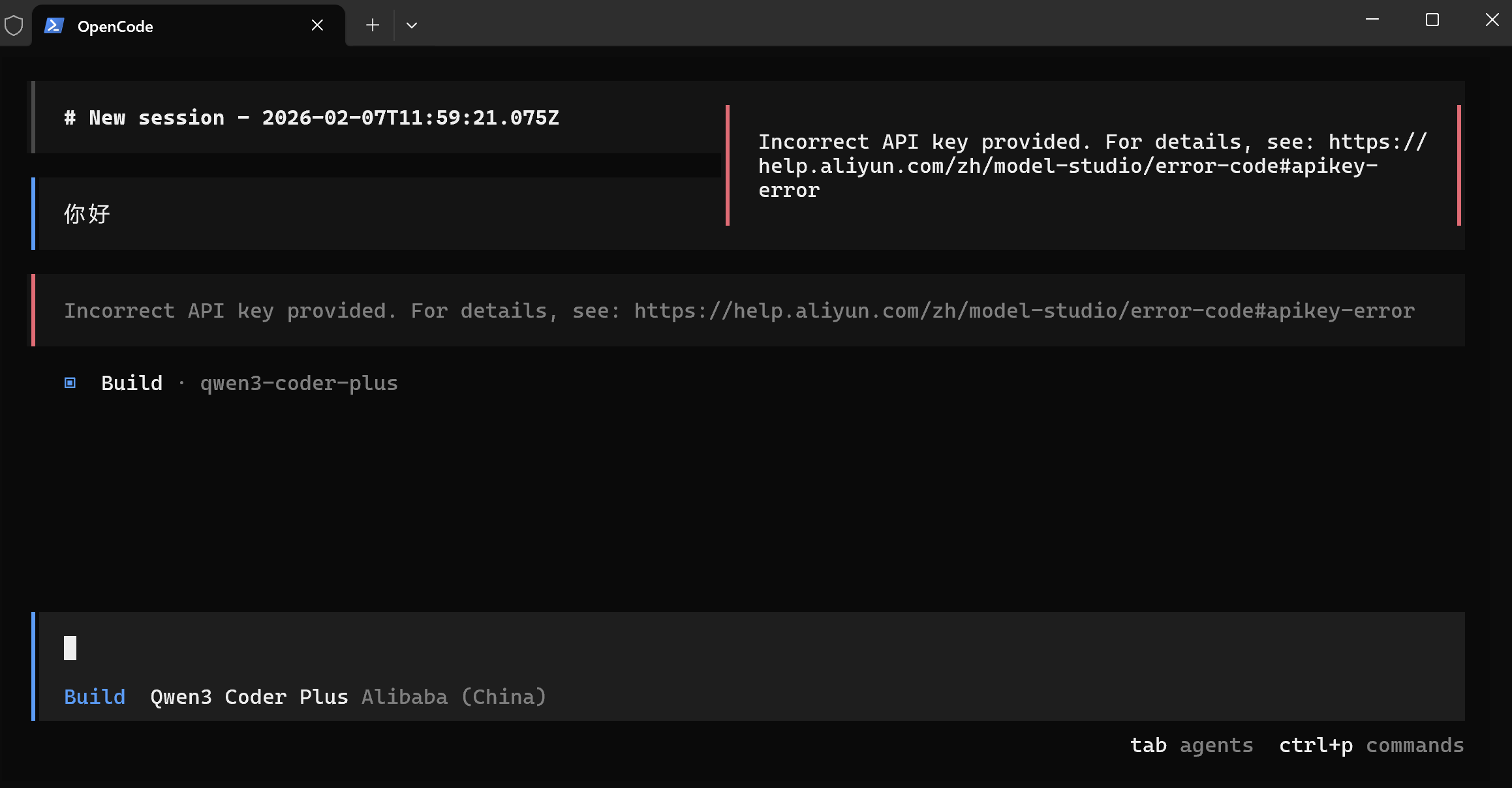
问题的原因
看了一下阿里云官网文档,发现coding plan的baseURL和普通的不一样。普通版是https://dashscope.aliyuncs.com/v1,coding plan的baseURL是https://coding.dashscope.aliyuncs.com/v1。
实际是baseURL的问题。但是OpenCode没有内置阿里云的Coding Plan的baseURL,因此要自己写一个。此处可以参考OpenCode官网https://opencode.ai/docs/providers/#custom-provider
修改方法
打开C:\Users\你的用户名.config\opencode,新建一个opencode.json文档。OpenCode官网模板如下:
{
  "$schema": "https://opencode.ai/config.json",
  "provider": {
    "myprovider": {
      "npm": "@ai-sdk/openai-compatible",
      "name": "My AI ProviderDisplay Name",
      "options": {
        "baseURL": "https://api.myprovider.com/v1"
      },
      "models": {
        "my-model-name": {
          "name": "My Model Display Name"
        }
      }
    }
  }
}
我填完以后是这样的。希望以后OpenCode能更新一下模型选择。
{
  "$schema": "https://opencode.ai/config.json",
  "provider": {
    "myprovider": {
      "npm": "@ai-sdk/openai-compatible",
      "name": "Alibaba Coding Plan",
      "options": {
        "baseURL": "https://coding.dashscope.aliyuncs.com/v1"
      },
      "models": {
        "qwen3-coder-plus": {
          "name": "Qwen3 Coder Plus"
        }
      }
    }
  }
}
验证
打开opencode,Provider选择Alibaba Coding Plan,模型选择Qwen3 Coder Plus, 填入自己的API Key成功运行。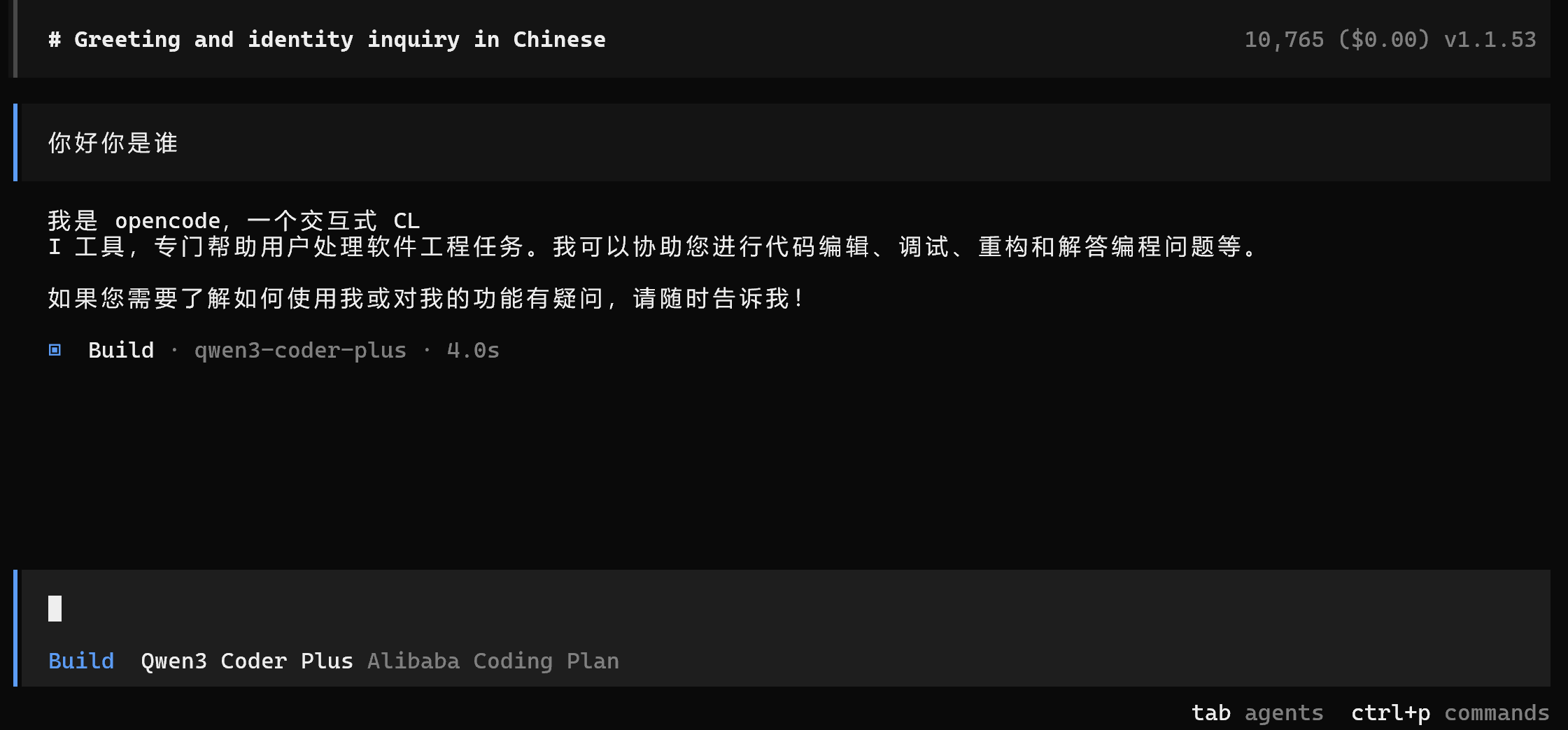

欢迎加入 MCP 技术社区!与志同道合者携手前行,一同解锁 MCP 技术的无限可能!
更多推荐

 5
5 0
0- 0


 已为社区贡献1条内容

所有评论(0)